
Record up to 60 minutes
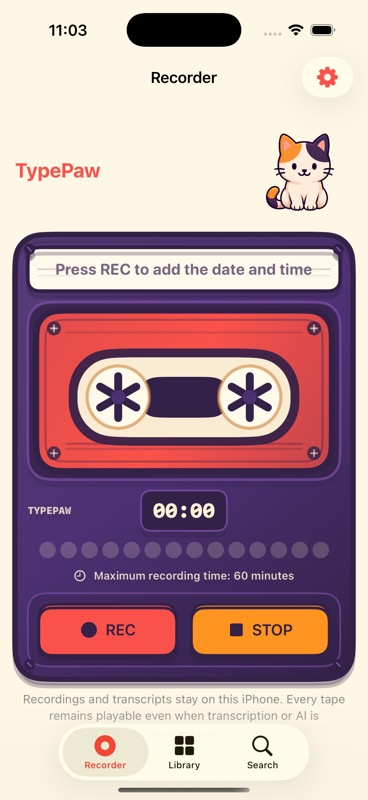
Pause, resume, and save in AAC/M4A. Interruptions finish the current tape instead of discarding it.
A retro recorder for iPhone
Record a thought, place it on a virtual tape, then find any sentence and play it from the exact moment it was spoken.

More than a file list
Pause, resume, and save in AAC/M4A. Interruptions finish the current tape instead of discarding it.
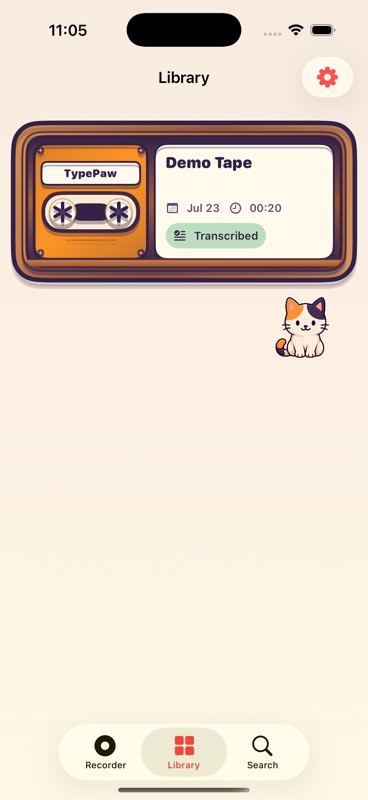
Each recording becomes a colorful cassette you can take from the cabinet and play.
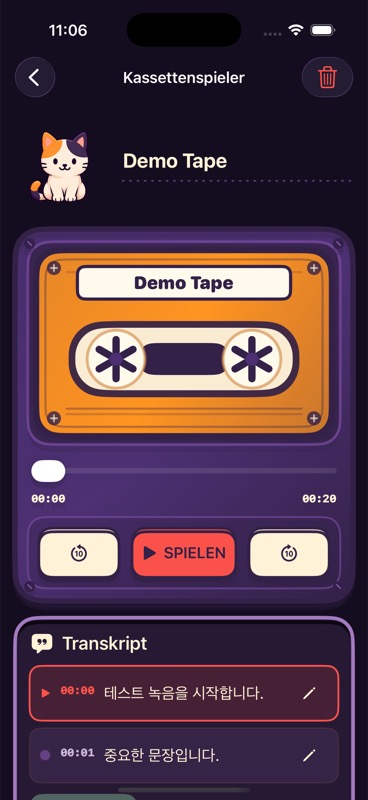
Installed Apple Speech models create time-aligned text without a cloud transcription server.
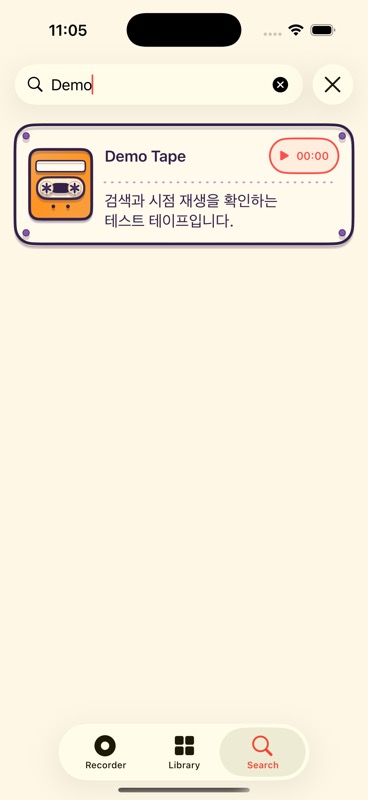
Find a sentence in your tapes and start playback at the matching timestamp.
On supported devices and languages, ask Apple Intelligence for a title, short summary, and tags.
TypePaw’s mascot reacts across the app. Sound and haptics remain under your control.
Four simple moves
Press REC. The recording date and time become the tape title automatically.
Your audio is committed locally before transcription or AI begins.
Use an installed on-device Speech model when it is available.
Search a phrase and continue listening from that exact moment.
Inside TypePaw
The final gallery uses fresh captures from the shipping app. Concept mockups are never presented as product screenshots.

Your voice stays yours
Audio, transcripts, and search terms remain on your device. TypePaw has no account or cloud sync, and a failed transcript never prevents your tape from being saved.
Read the privacy policyGood to know
No. Recordings, transcripts, and search terms stay on your iPhone. There is no TypePaw account or cloud sync.
Yes. Saving and playing the audio take priority. TypePaw shows a clear transcription status without blocking the tape.
The interface is available in 14 languages. On-device transcription supports 8 languages: Korean, English, Japanese, Simplified Chinese, Spanish, French, German, and Brazilian Portuguese. Russian and Arabic are available for the interface only because Apple Speech does not currently provide on-device transcription models for them.
No. Liner notes require a compatible device, Apple Intelligence availability, and a supported language. Recording, playback, transcription, and search remain separate.